

AndDesign Motocross Templates
MX Nesting – Automatic Nesting Plugin for Adobe Illustrator
MX Nesting – Automatic Nesting Plugin for Adobe Illustrator
Couldn't load pickup availability
Stop nesting your graphics by hand. MX Nesting is a panel for Adobe Illustrator that automatically fits your moto graphics, vinyl and PPF pieces onto your roll or sheet, using the least material possible.
Unlike tools that only pack rectangles, MX Nesting reads the real outline of every piece and rotates it to fill the gaps, so curved parts like shrouds, fenders and side panels interlock tightly.
On the full moto kit shown in the images, the roll length dropped from 1.37 m to 0.92 m: 32% less vinyl. Savings depend on your pieces and settings.
How it works
- Select your graphics in Illustrator. Each object or group is one piece.
- Pick your material: roll or sheet width, margin and spacing.
- Click “Nest”. The pieces rotate and fit automatically on a new artboard sized to your material.
Features
- True-shape nesting: fits real outlines, not bounding boxes
- Automatic rotation: every 90°, 45°, 30°, 15°, 10° or 5°
- Standard roll presets: 610, 760, 1000, 1220, 1370, 1520 and 1600 mm, or any custom width
- Rolls or sheets: unlimited length, or a maximum length that splits the job into several sheets
- Spacing and edge margin so every piece is easy to cut and weed
- Copies per piece to nest full kits in one step
- Originals stay safe: works on copies, with one-click undo
- Saved profiles for your usual materials
- Instant results: used length and material usage %
- Units in mm, cm or inches
- Panel in English and Spanish, matching Illustrator's light or dark theme
Requirements
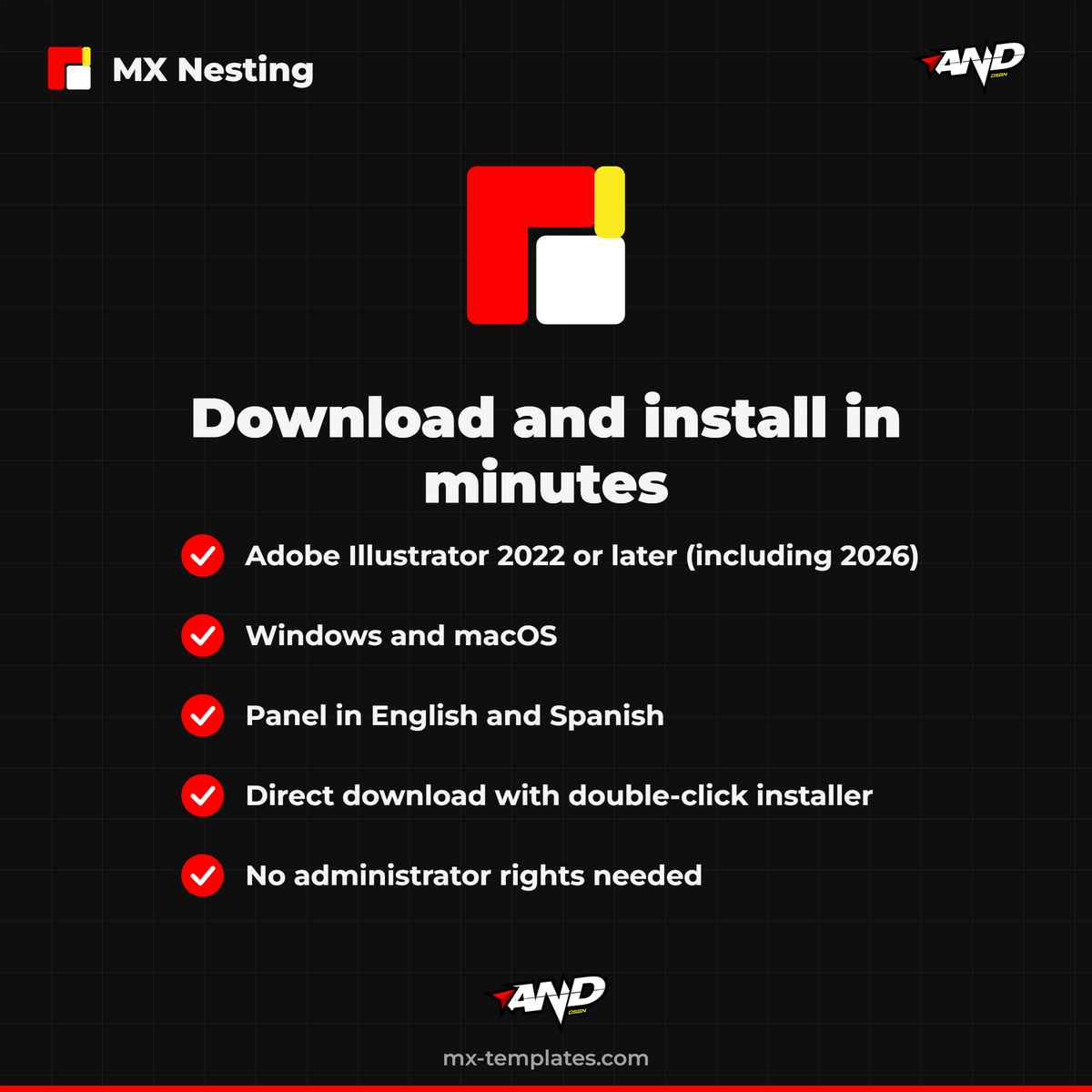
- Adobe Illustrator 2022 or later (including Illustrator 2027)
- Windows 10/11 or macOS
What you get
- Instant digital download (ZIP file)
- Double-click installer for Windows and Mac. No administrator rights needed.
- Step-by-step install guide in English and Spanish
After installing, restart Illustrator and open Window › Extensions › MX Nesting.
FAQ
Does it work with any shape?
Yes. It uses the real vector outline of paths, compound paths, groups and clipping masks. Text and placed images are treated as rectangles; outline your text first for a tighter fit.
Will it change my original artwork?
Not if “Keep originals” is on (the default). The result is created on its own layer and artboard, and you can undo it from the panel.
Can it fit pieces inside the holes of other pieces?
Not at the moment. Inner holes are treated as part of the piece.
Is it a subscription?
No. It's a one-time purchase.
Share


Do you want a Custom editable Design?
Looking customized graphic Decals for your bikes?
Official Printing Partners (Worldwide Delivery)
